

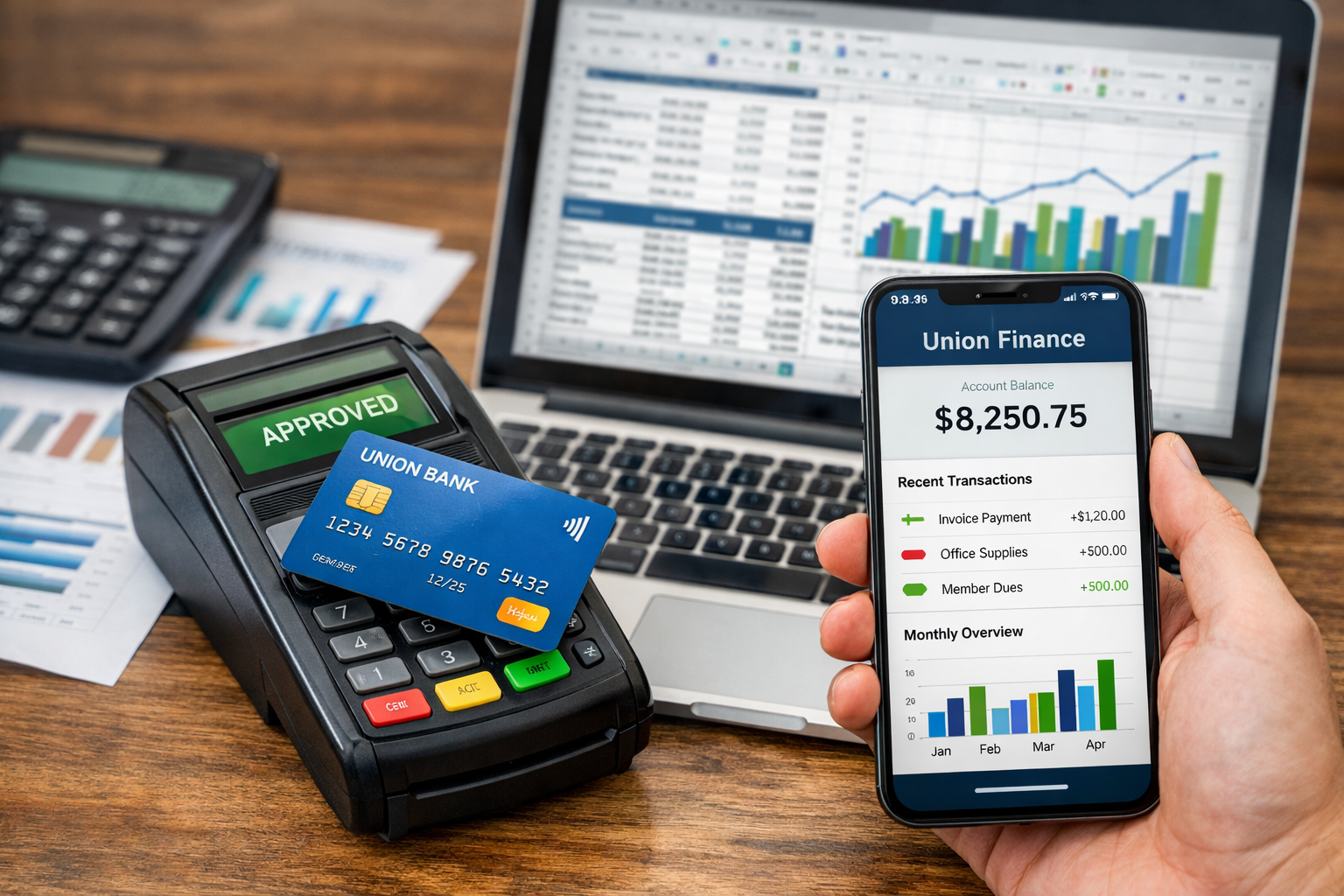
This training is aimed at both Chairs and Treasurers and any committee members who will regularly be dealing with the Union finance system on eActivities. Depending on the nature of your activities, you will have varying degrees of interaction with the Union regarding finances, however the information in this training manual is required reading.
Financial Transactions - Main Types
Income
- Banking Cash & Cheques - this is one of the main ways of getting money into your Club or Society.
- Online Sales - this is how you set up a product on the Union website.
- Refunds - when a shop product/event is cancelled, customers may have to be refunded.
- Sales Invoices - this is how you get money in exchange for something your Club or Society has done or provided.
Expenditure
- Purchase Orders (POs) - the main way to get things paid for is through the Purchase Ordering System.
- Expense Claims - if you pay for something out of your own money, you may be able to claim it back from your Club or Society.
- Credit card requests - in certain circumstances your Club or Society may be able to pay for things using a Union credit card.
- International Payments - the process for making international payments.
Financial Transactions - Other
The table below lists the transfer processes available and indicates when each should be used. If you are confused about which process to use you should contact your Management Group Treasurer or Vice-Chair in the first instance.
You will only be able to complete any of these actions if you are the Chair or Treasurer of a Club or Society
- Internal Charges - Internal charges are used when you have provided goods / services to another Club or Society within the Union. Internal charges should be raised as soon as possible.
- Transaction Corrections - Transaction corrections are for use when you have income or expenditure posted incorrectly in your online transaction pages, you can correct transactions between funding codes.
- Members Funds redistribution - Members Funds redistributions are used for moving money between activity codes within the Members Funds (225) account
- Designated Members Funds - If your Club or Society wants to save for a future large expenditure you can set up a Designated Members Fund (DMF) account. These accounts are administered through eActivities and are only available once you have had an account approved via application to the Activities Forum . For more information on applying for a DMF please contact the Deputy President (Activities) or the Activities Team.
Need help?
If you have finance related questions or need any help, support, or advice relating to your Club or Society finances, please contact the Finance Team
Still have questions? Check out the our knowledge base articles or submit a ticket to the Activities Team.
